Product editing
Hub’s product page provides a detailed view of each product, including specifications, variants, and metadata. This guide walks you through the key sections and how to manage product information efficiently.
Updating product metadata
- Open the variant info page – Navigate to the variant you want to update.
- Click on the data – Select the attribute field you want to modify.
- Choose or search for a value – Either select a value from the dropdown list or start typing until the desired value appears.
- Confirm selection – Click to apply the selected value. The variant will be updated and you will see a confirmation notice.
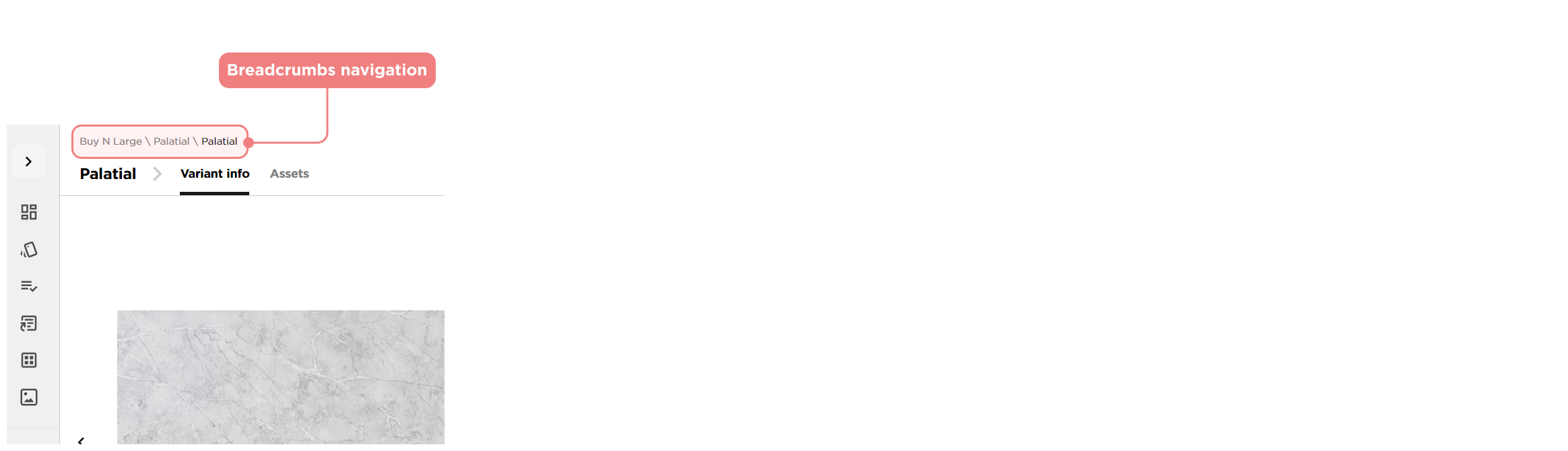
Navigating with breadcrumbs
Located at the top of the page, breadcrumbs allow you to quickly move between different sections without losing track of where you are.